
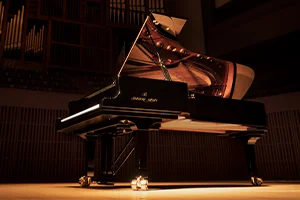
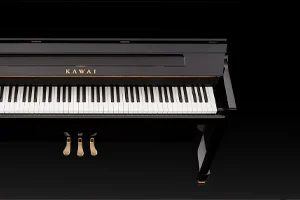
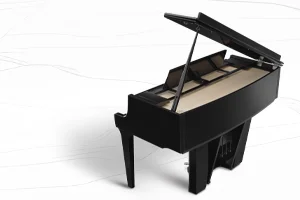
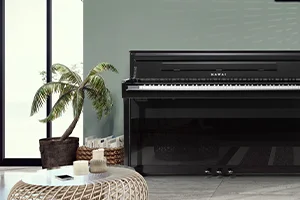
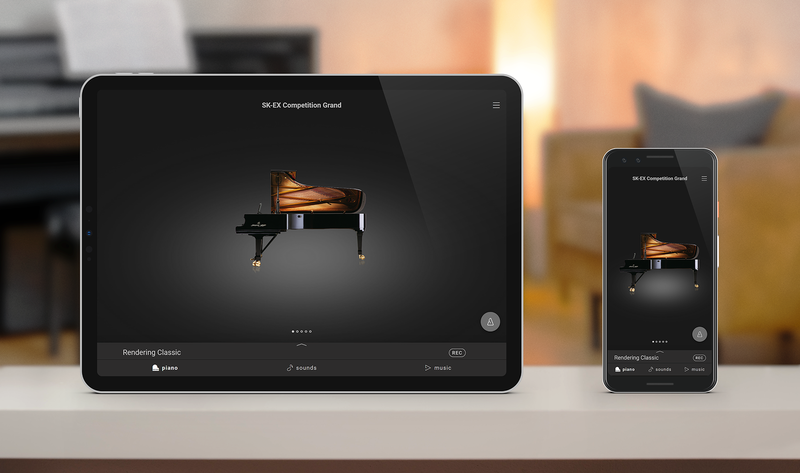



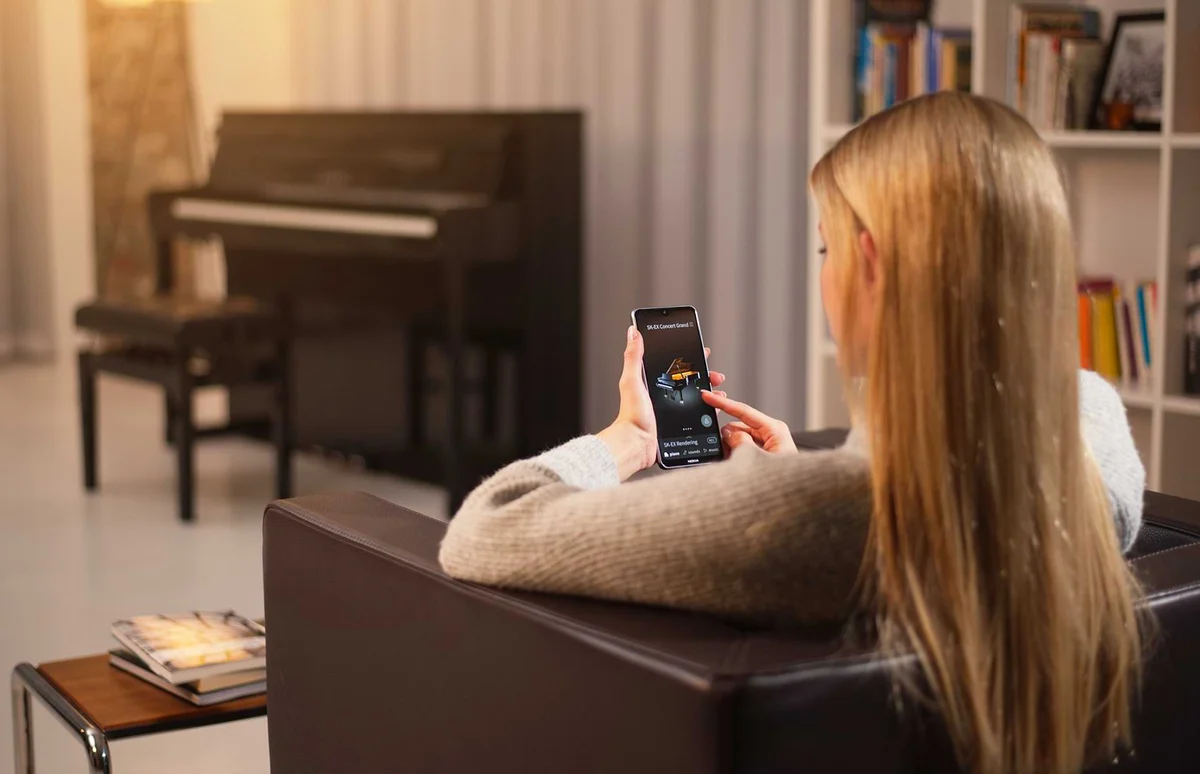
PianoRemote provides a fresh and engaging way to interact with your Kawai digital or hybrid piano using a smartphone or tablet. Select sounds and make personalised adjustments with ease, or simply sit back and browse the instrument's built-in piano music library from the comfort of an armchair.
Piano-focused area for selecting the acoustic piano model and variation, and for making adjustments to Virtual Technician parameters and environmental ambience etc.
Lists all available sounds by instrument category, with tabs for recently played, favourite, and user sounds etc. This screen is also used to enable Dual and Split playing modes.
Immediately playback a wide selection of piano music, categorised by composer, genre, or book. This screen also provides access to Concert Magic and Lesson features.

After swiping the screen to select the desired piano model, open the editor window to specify the preferred variation, such as Classic, Warm, Jazz, Pop etc.
On Kawai instruments equipped with the latest SK-EX Rendering sound engine, this area can also be used to select the piano Rendering Type.
* Type and variety of selectable piano sounds may vary depending on the digital/hybrid piano model.
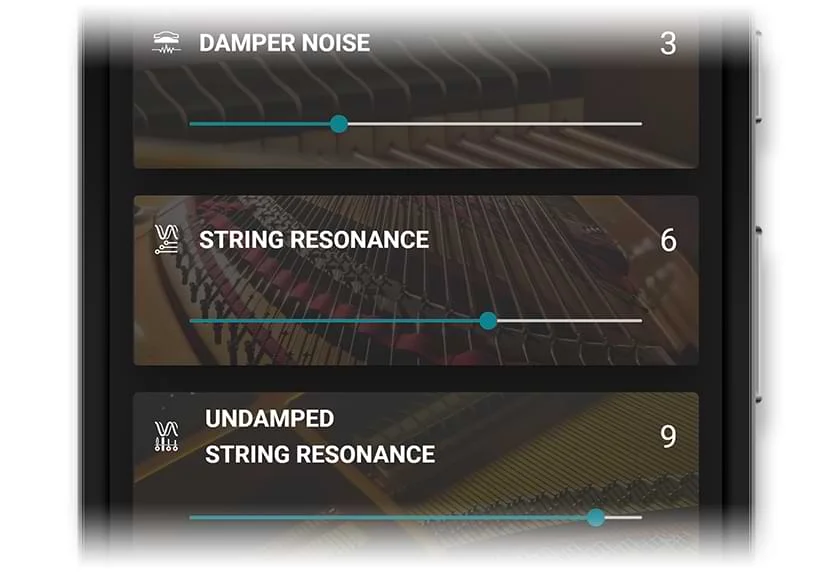
PianoRemote allows various aspects of the selected piano model and variation to be adjusted using the powerful Virtual Technician function.
The ten 'Smart Mode' presets provide an an efficient way to change multiple characteristics of the piano easily, while the 'Advanced Mode' screen allows more discriminating players to control the precise values of individual parameters, such as Voicing, Cabinet Resonance, and Hammer Noise.

The Sounds screen sound editor provides additional functions for enabling Dual and Split keyboard modes.
After selecting the desired main sound, opening the editor allows a sub sound to be selected for layering (Dual mode), or for playing in the lower section of the keyboard (Split mode).
* Split mode availability may vary depending on the digital/hybrid piano model.
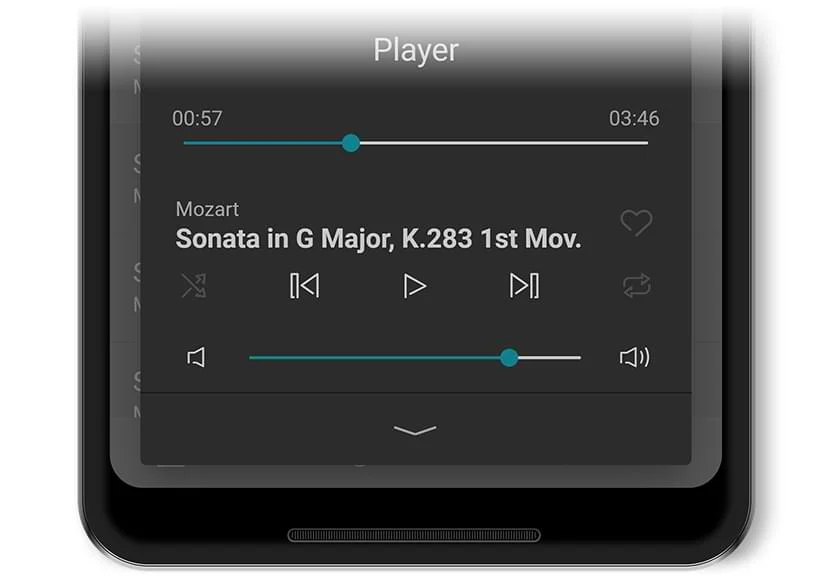
PianoRemote provides an effortless way to select and listen to the connected piano's impressive library of built-in music content.
Songs can be played normally, or practised as Lesson songs with hands separately. It is also possible to perform many pieces using the Concert Magic function, allowing novices to also enjoy playing music by tapping keys with a consistent tempo.
* Some songs do not support “Lesson” and “Concert Magic” modes due to the composition of the data.
PianoRemote includes a convenient metronome function, which provides a steady click track to aid practising at a consistent tempo.
Simply select the desired time signature, set the tempo in BPM or by choosing one of the preset Italian terms, then start practising.
PianoRemote can also record performances as MIDI or audio data, allowing pianists to log their progress, or send songs to friends & family. Recordings can easily be shared via chat/messaging apps, uploaded to the cloud, or opened in other music apps for further editing etc.
The PianoRemote user interface is designed to be intuitive and easy to use, allowing musicians to concentrate on playing their piano.
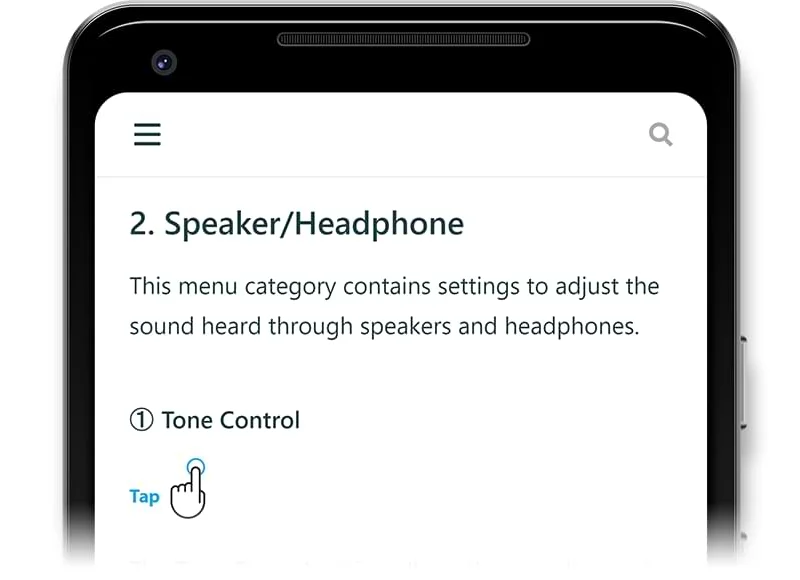
However, the app also includes a complete, multi-language online manual, providing detailed information about each feature, and step-by-step instructions for changing sounds and adjusting parameters etc.
* The PianoRemote online manual may also be accessed by clicking the image opposite.